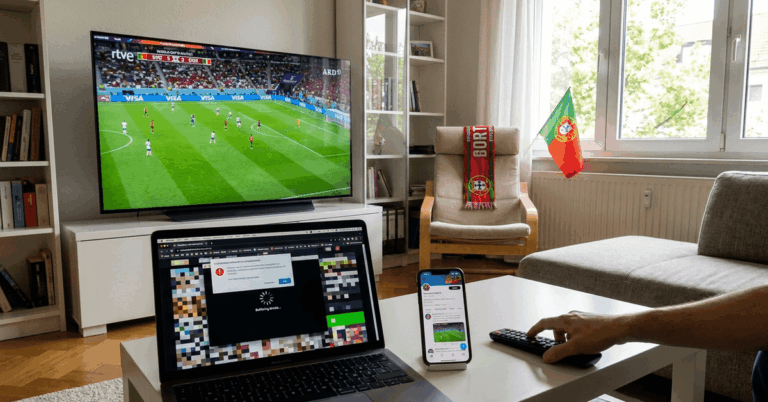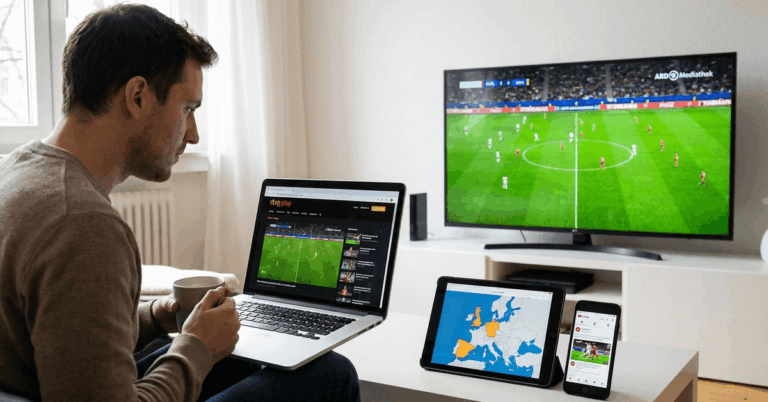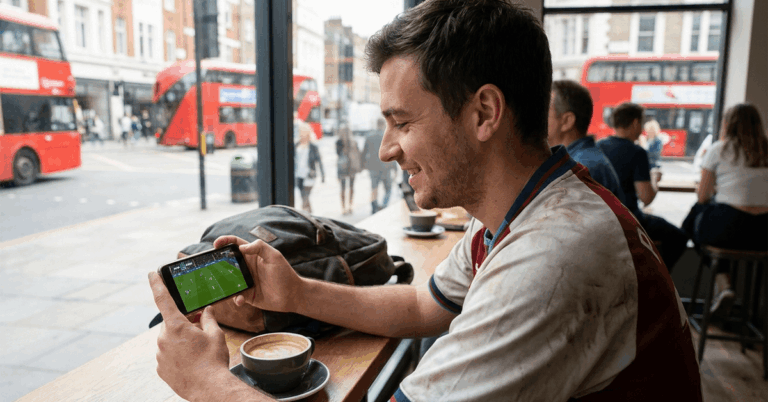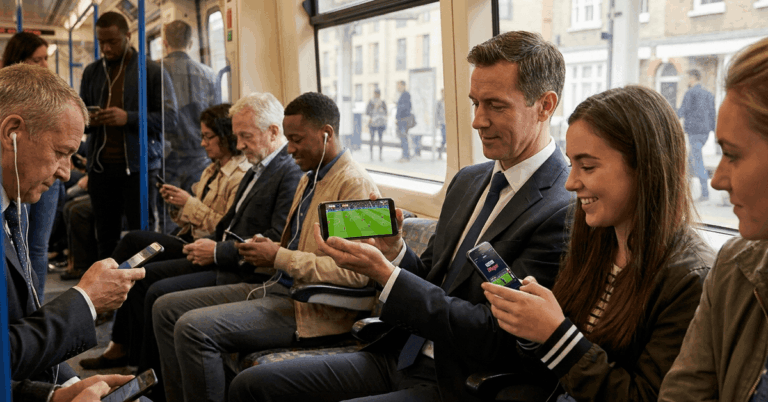
A packed living room, a dead laptop, and a FIFA World Cup match about to start. The phone in your pocket suddenly becomes the screen that matters.
Free mobile streaming for the 2026 World Cup is available across Spain, Germany, France, and Portugal. Public broadcasters in all four countries offer legal access at zero cost.
The catch is that each free FIFA World Cup stream has a friction point that trips fans at the worst moment: registration pages, geo-blocks, and app updates pushed minutes before kickoff.
Getting the right app takes five minutes. Getting it match-ready takes a bit more planning than that.
Which European Broadcasters Stream the World Cup for Free?
Each of the four major European markets covered here has a public broadcaster holding World Cup rights.
All of them offer free live streaming through official mobile apps. The setup process differs enough between countries that a one-size-fits-all approach falls apart fast.
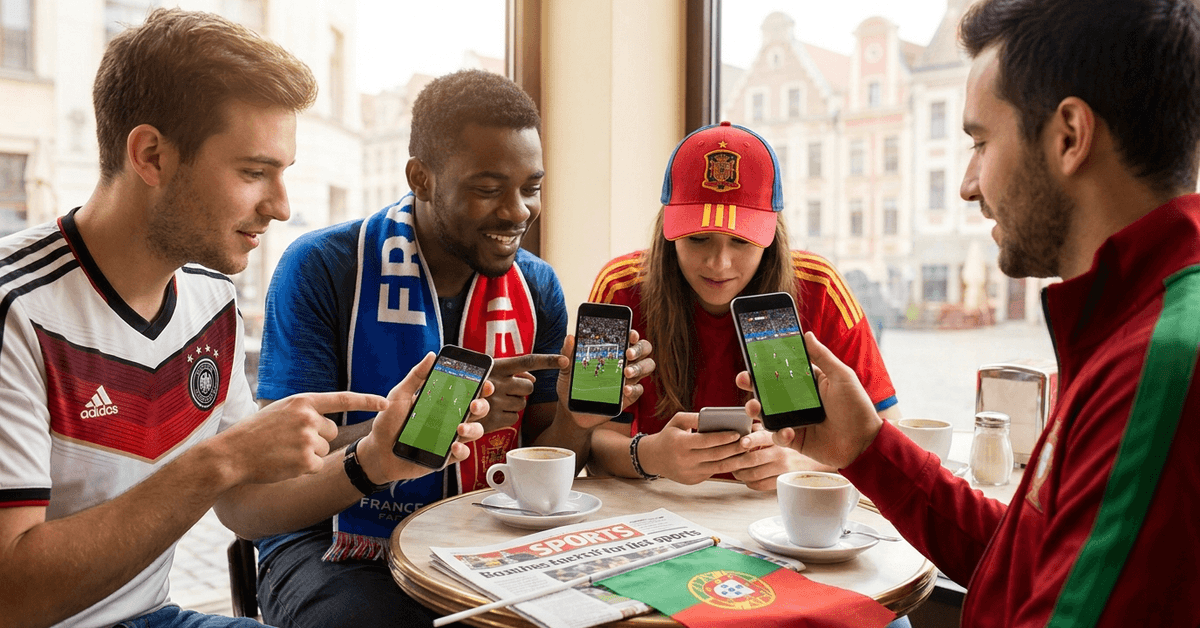
I would rank Germany’s setup as the smoothest of the four, since ARD and ZDF rarely require registration and their apps run cleanly on both iOS and Android.
RTVE Play: Free World Cup Streaming in Spain
RTVE Play streams matches live, available for smartphones and tablets. Access is straightforward for users inside Spain.
Fans outside the country should know that geolocation restrictions apply, which can block the stream entirely depending on your IP address.
The app is free to download and commentary is in Spanish. One thing I noticed about RTVE Play: the interface loads quickly on mobile browsers too, so the app download isn’t strictly necessary if storage is tight on your device.
ARD and ZDF Mediathek: Germany’s Free Football Apps
German fans get two public broadcasters splitting World Cup coverage: ARD and ZDF. Both offer free streaming through their Mediathek apps and websites.
Registration is rarely required, which removes one of the biggest friction points fans in other countries deal with.
Commentary is in German. The apps support both iOS and Android, and streaming quality tends to be reliable even during peak match times. Match schedules rotate between the two, so checking both apps before each game day saves confusion.
TF1 and France Télévisions: Watching for Free in France
TF1 holds rights to many live World Cup matches, streamed through the MyTF1 service. France Télévisions covers additional games. Both platforms work on major mobile operating systems and deliver high-quality feeds.
The MyTF1 app does require a free account registration. That step takes two minutes on a calm Tuesday. It takes much longer when 20 million French fans try to register five minutes before a Les Bleus knockout match.
RTP Play: Portugal’s Free Streaming Option
RTP Play streams the World Cup for free in Portuguese. The app supports both live and on-demand viewing for FIFA World Cup games, which means catching a match after it airs is possible if your schedule clashes with kickoff times.
RTP Play works on both iOS and Android. Similar to RTVE in Spain, the service applies geo-restrictions for users outside Portugal.
Here is a side-by-side look at all four options:
| Broadcaster | Country | Registration Required? | Commentary Language | Geo-Restricted Outside Country? |
|---|---|---|---|---|
| RTVE Play | Spain | No | Spanish | Yes |
| ARD / ZDF Mediathek | Germany | Rarely | German | Limited restrictions |
| MyTF1 / France Télévisions | France | Free account needed | French | Yes |
| RTP Play | Portugal | No | Portuguese | Yes |
Germany offers the lowest friction setup of the four, while France’s MyTF1 registration wall is the one most likely to cause problems on match day.
The VPN Mistake That Ruins Live World Cup Matches
The single piece of advice I see repeated across every World Cup streaming guide is this: “Just use a VPN to access your home broadcaster.”
I think that advice is a mistake, specifically because RTVE Play already enforces geolocation restrictions for users abroad, and ZDF and RTP Play follow similar patterns.
Public Broadcasters Are Blocking VPN Traffic
VPN services work by masking your location. But public broadcasters have gotten aggressive about detecting VPN IP addresses.
A VPN connection that works fine for casual browsing can drop during a live stream, and reconnecting mid-match means missing the exact moment everyone will be talking about tomorrow.
My take on this: watching a match on a local broadcaster in French or German, even if that language isn’t your first choice, beats losing your stream entirely during the 78th minute.
The raw commentary adds atmosphere, and the football is the same regardless of who is calling it.
If you travel within Europe during the 2026 World Cup, the smarter move is downloading the local broadcaster’s app for whichever country you’re in.
ARD and ZDF don’t require registration, so a German hotel room gives you one of the easiest free setups available.
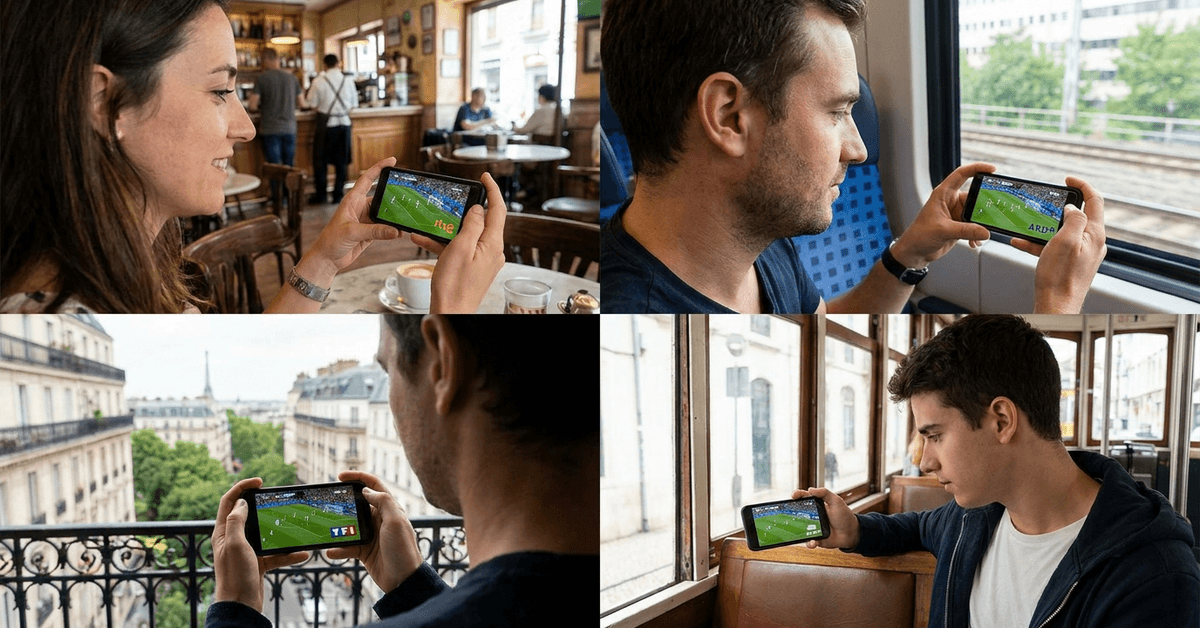
Getting Your Phone Match-Ready Before Kickoff
Finding the right broadcaster app takes about five minutes. But the setup process has small traps that catch fans right before a match starts.
The 48-Hour Setup Test
Testing your stream at least 48 hours before the first match you plan to watch solves three problems at once:
- App updates: broadcaster apps often push updates right before major tournaments, and these updates can change login flows or require new permissions on your device
- Registration walls: platforms like MyTF1 require a free account, and password confirmation emails don’t always arrive instantly during high traffic periods
- Buffering check: a test stream reveals whether your connection handles live video without constant interruptions, giving you time to find better Wi-Fi or adjust your mobile plan
A test stream during a random replay or pre-tournament broadcast costs nothing and takes ten minutes. Skipping it costs you the opening match.
Wi-Fi vs Mobile Data for Live Streaming
Live football streaming on mobile eats data. A 90-minute match at standard quality can use between 1.5 GB and 3 GB depending on the app and resolution settings.
The obvious move is Wi-Fi. But public Wi-Fi networks in cafes, airports, and hotels can be unreliable during peak hours, especially when hundreds of other fans on the same network are streaming the same match.
A few things worth checking before match day:
- Home Wi-Fi speed: run a speed test during peak evening hours, not at 2 PM when nobody is online
- Mobile data cap: know your monthly limit and how much a few matches will eat into it
- Backup plan: confirm the broadcaster’s mobile browser stream works alongside the app, so if one fails you can switch without missing play
The Hidden Price of Unofficial World Cup Streams
Unofficial streaming sites pop up across forums and social media every tournament cycle. They promise free access, no registration, and every match. The price you pay isn’t in euros.
These sites carry intrusive advertising, pop-ups that redirect to suspicious downloads, and video quality that degrades exactly when traffic spikes during big matches.
Some carry malicious software that targets mobile devices specifically. A single bad download can compromise saved passwords and banking apps on your phone.
The FIFA official website publishes broadcasting schedules and lists authorized partners for each country. Cross-referencing any unfamiliar streaming service against that list takes thirty seconds and eliminates guesswork entirely.
Sticking to RTVE, ARD/ZDF, TF1/France Télévisions, and RTP means zero subscription cost, legal compliance, and reliable quality. The “free” unofficial stream often has costs your antivirus software discovers too late.
Language Options for Multilingual World Cup Fans
Language preferences matter during live football. Some fans want commentary in their native language. Others prefer a different broadcast style entirely. The four-country broadcaster setup creates options worth thinking about:
- Spanish: RTVE Play streams all coverage in Spanish; Latin American platforms may also carry matches in Spanish if accessible from Europe
- German: ARD and ZDF broadcast in German; Swiss SRF is another German-language option for fans near the border
- French: TF1 and France Télévisions cover matches in French; Belgium’s RTBF may carry French-language streams as well
- Portuguese: RTP Play broadcasts in Portuguese; Brazilian Globo offers a different commentary style in Portuguese if regionally available
I would argue that switching between language feeds during group-stage matches is one of the underrated joys of having multiple free broadcaster apps installed on the same phone.
Different commentary teams catch different tactical details, and the energy shifts noticeably between broadcast cultures. Ever listened to a Portuguese call of a last-minute goal? It hits different.
Questions People Ask About FIFA World Cup Free Streaming on Mobile
Q: Can I watch the 2026 FIFA World Cup for free on my phone? Yes, if you’re located in Spain, Germany, France, or Portugal. Public broadcasters like RTVE Play, ARD/ZDF Mediathek, MyTF1, and RTP Play all offer free live streaming through their mobile apps. Geo-restrictions block access if you’re outside the broadcaster’s home country.
Q: Do I need to create an account to stream World Cup matches for free? It depends on the broadcaster. Germany’s ARD and ZDF rarely require registration. France’s MyTF1 does require a free account. RTVE Play and RTP Play generally skip registration, but this can change close to tournament time, so testing the app early saves headaches.
Q: Is it legal to use a VPN to watch the World Cup from another country? VPN use itself isn’t illegal in the EU. But accessing geo-restricted content through one can violate the broadcaster’s terms of service. Broadcasters are also getting better at detecting VPN traffic, which means your stream could cut out mid-match with no warning.
Q: How much mobile data does streaming a World Cup match use? A standard-quality 90-minute stream typically uses between 1.5 GB and 3 GB. High-definition streams consume more. Testing your Wi-Fi speed during peak hours before match day helps avoid surprises when it counts.
Q: What should I do if my free stream buffers or crashes during a match? Switch to the broadcaster’s mobile browser stream as a backup. If that fails too, the issue is likely your internet connection rather than the platform. Closing background apps and moving closer to your Wi-Fi router can recover enough bandwidth during the match.
Conclusion
European fans have four strong public broadcasters offering free legal World Cup streams on mobile. The real preparation happens 48 hours before kickoff, not five minutes before the whistle blows.
Skip the VPN gamble and download the local broadcaster’s app wherever you are in Europe. The best World Cup viewing setup is the one you tested before it mattered.